
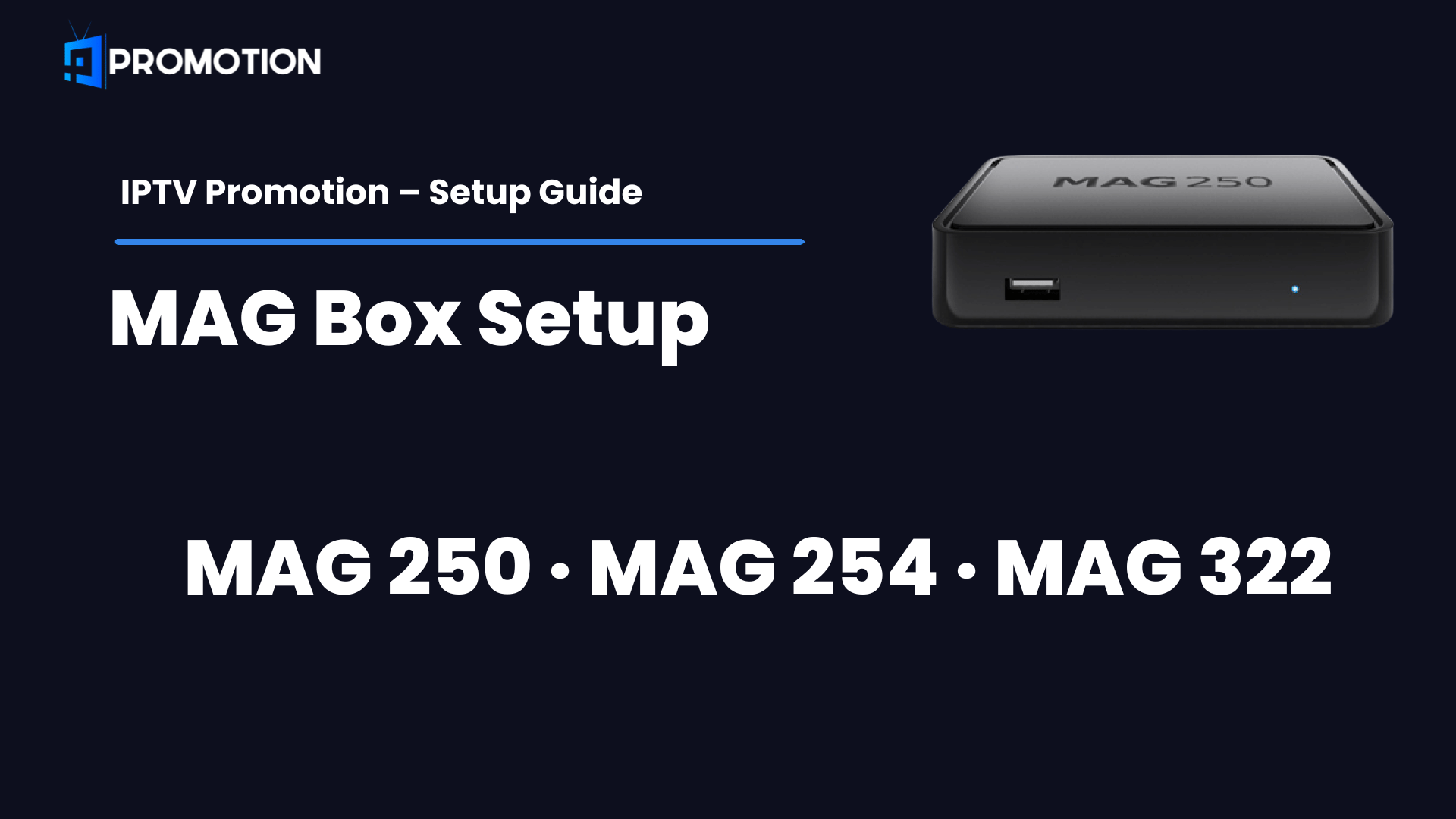
IPTV Promotion MAG Box setup is easy and takes less than 5 minutes. This guide covers everything you need to setup IPTV Promotion MAG Box on your MAG 250, 254 or 322 devices.
What You Need Before Starting IPTV Promotion MAG Box Setup
Before setting up IPTV Promotion on your MAG Box, make sure you have everything ready. This will make the IPTV Promotion MAG Box setup process much faster and easier.
- An active IPTV Promotion subscription
- Your Portal URL (sent to your email after purchase)
- Your MAG Box connected to the internet
- Your MAG Box MAC Address (found on the sticker under your device)
How MAG Box Works
MAG Box uses a Portal URL to connect to your IPTV Promotion subscription. Unlike other devices it does not use a Username and Password — it uses your MAC Address which is unique to your device.
⚠️ Important: Send us your MAG Box MAC Address before starting so we can activate your subscription:
- 📱 WhatsApp → Click Here
- ✉️ Email → support@iptvpromotions.com
- 📬 Telegram → Click Here
Step 1 – Find Your MAG Box MAC Address
- Turn on your MAG Box
- Go to Settings on your remote Select System Information
- Note your MAC Address — it looks like this:
00:1A:79:XX:XX:XX - Send it to us via WhatsApp, Telegram or Email so we can activate your IPTV Promotion MAG Box subscription
Step 2 – Setup Portal URL
- Turn on your MAG Box
- Press the Setup button on your remote
- Go to System Settings
- Select Servers
- Select Portals
- In Portal 1 URL enter your IPTV Promotion Portal URL:
- Portal URL: (from your email)
- Leave Portal 1 Name as:
IPTV Promotion - Press OK to save
- Restart your MAG Box
Step 3 – Activate Your Subscription
After entering the Portal URL your MAG Box will load the IPTV Promotion MAG Box interface. If your MAC Address has been activated by our team your channels will load automatically.
[PARAGRAPH]
If your channels don’t load contact us immediately:
- 📱 WhatsApp → Click Here
- ✉️ Email → support@iptvpromotions.com
- 📬 Telegram → Click Here
Supported MAG Box Models
IPTV Promotion MAG Box setup works on all MAG devices including:
- ✅ MAG 250
- ✅ MAG 254
- ✅ MAG 256
- ✅ MAG 322
- ✅ MAG 324
- ✅ MAG 349
- ✅ MAG 351
Enjoy IPTV Promotion MAG Box With Your Subscription
Follow this IPTV Promotion MAG Box guide step by step and you will be watching live TV in minutes. Enjoy IPTV Promotion MAG Box with thousands of live channels, movies and series.
Also Check Our Other Setup Guides
Enjoyed our IPTV Promotion MAG Box guide? Check our other device guides below:
- 🏠 IPTV Promotion – Get Your Subscription
- 📺 How to Setup IPTV Promotion on Smart TV
- 🔥 How to Setup IPTV Promotion on Firestick
- 🤖 How to Setup IPTV Promotion on Android
- 📱 How to Setup IPTV Promotion on iPhone & iPad
- 🍎 How to Setup IPTV Promotion on Apple TV
- 💻 How to Setup IPTV Promotion on Windows PC
- 📡 How to Setup IPTV Promotion on Enigma 2
Need Help Setting Up IPTV Promotion on MAG Box?
Our support team is available 24/7 to help you with IPTV Promotion MAG Box setup. Contact us anytime:
📱 WhatsApp → Click Here ✉️ Email → support@iptvpromotions.com 📬 Telegram → Click Here