
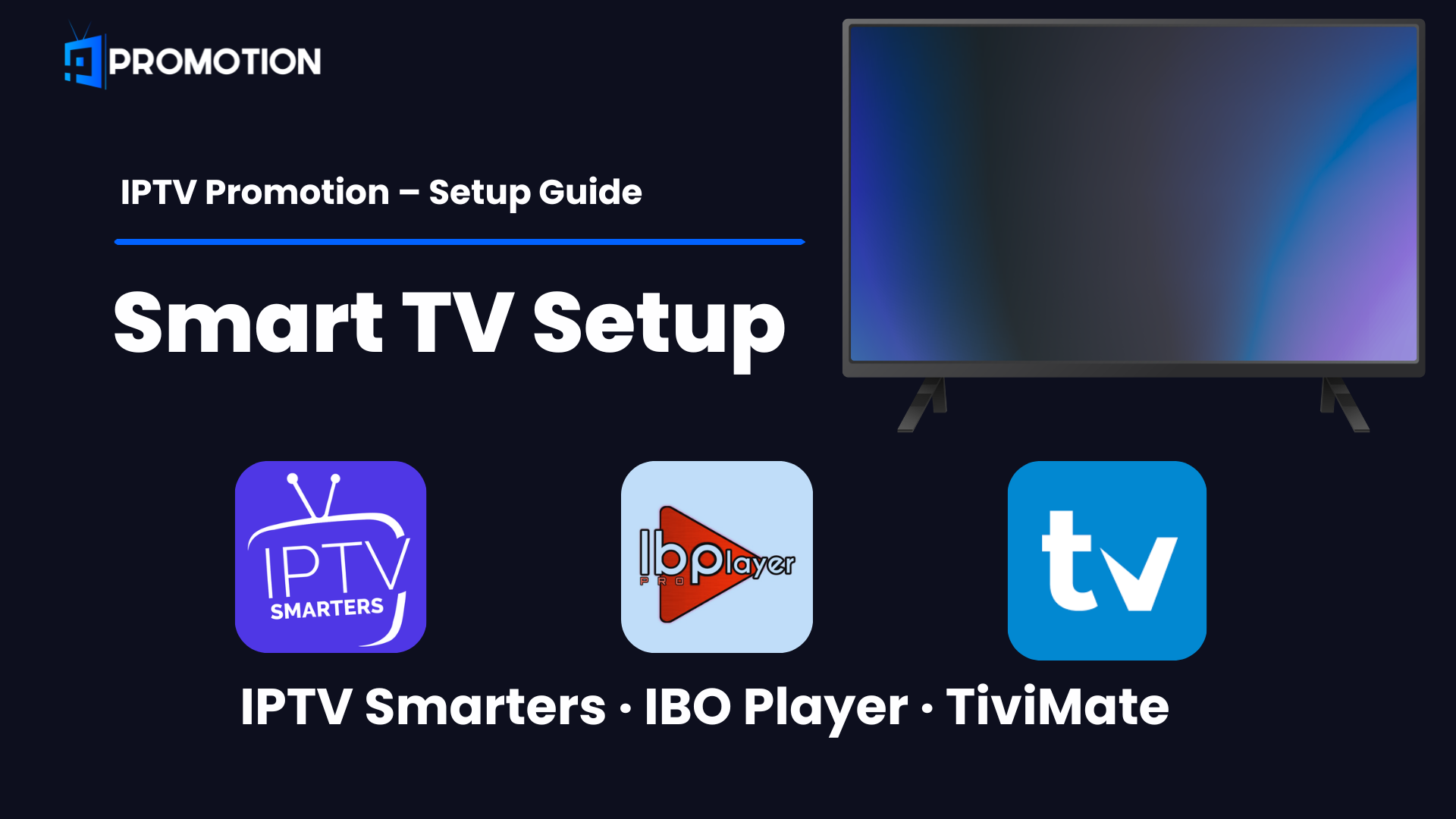
IPTV Promotion Smart TV setup is easy and takes less than 5 minutes. This guide covers everything you need to setup IPTV Promotion Smart TV on Samsung, LG or Android TV.
What You Need Before Starting
Follow this IPTV Promotion Smart TV guide step by step and you will be watching live TV in minutes.
- An active IPTV Promotion subscription
- Your Username, Password, and Portal URL (sent to your email after purchase)
- Your Smart TV connected to the internet
IBO Player Pro
IBO Player Pro is the best app for IPTV Promotion Smart TV users.
After installing IBO Player Pro, open the app and you will see your MAC Address and Device Key on the screen. You have 2 options to activate your IPTV Promotion subscription:
- Option 1: Go to iboplayer.pro/manage-playlists and add your MAC Address and Device Key yourself
- Option 2: Send your MAC address and device key to us, and we will set it up for you:
- 📱 WhatsApp → Click Here
- ✉️ Email → support@iptvpromotion.com
- 📬 Telegram → Click Here
Samsung Smart TV
Download IBO Player Pro on your Samsung Smart TV → Click Here
LG Smart TV
Download IPTV Smarters Pro on your LG Smart TV → Click Here
Android TV (Sony, TCL, Philips…)
Download IBO Player Pro on Google Play → Click Here
IPTV Smarters Pro
IPTV Smarters Pro is also a great choice for IPTV Promotion Smart TV setup.
After installing IPTV Smarters Pro, open the app and follow these steps to activate your IPTV Promotion subscription. Your Username, Password, and Portal URL are sent to your email after purchase. If you need help contact us:
- 📱 WhatsApp → Click Here
- ✉️ Email → support@iptvpromotions.com
- 📬 Telegram → Click Here
Samsung Smart TV
Download IPTV Smarters Pro on your Samsung Smart TV → Click Here
LG Smart TV
Android TV (Sony, TCL, Philips…)
Download IPTV Smarters Pro latest version (v5.0) directly on your Android TV using the Downloader app.
Step 1 – Install Downloader App
- Open Google Play Store on your Android TV
- Search Downloader and install it
- Open Downloader app
Step 2 – Enable Unknown Sources
- Go to Settings on your Android TV
- Select Device Preferences or Security
- Find Unknown Sources or Install Unknown Apps
- Enable it for the Downloader app
Step 3 – Download IPTV Smarters Pro
- Open the Downloader app
- Enter this URL or Downloader code
Direct APK URL:
https://www.iptvsmarters.com/iptv-smarters-5.0.apkDownloader App Code:
6468112
- Click Go and wait for the download to complete
- Click Install when prompted
- Click Done after installation
Step 4 – Setup IPTV Promotion
- Open IPTV Smarters Pro
- Select Login with Xtream Codes
- Enter your IPTV Promotion details:
- Playlist Name: IPTV Promotion
- Username: (from your email)
- Password: (from your email)
- Portal URL: (from your email)
- Tap Add User — your channels load automatically
TiviMate
TiviMate is the best IPTV player for Android TV devices. Use it to enjoy IPTV Promotion on Sony, TCL, Philips, and Nvidia Shield TVs.
⚠️ Note: TiviMate is not available on Samsung or LG Smart TVs. It works only on Android TV and Google TV devices.
Step 1 – Install TiviMate
Download TiviMate on Google Play → Click Here
- Open Google Play Store on your Android TV
- Search TiviMate IPTV Player and install it
- Open the app
Step 2 – Add Your IPTV Promotion Playlist
After installing TiviMate, open the app and follow these steps to activate your IPTV Promotion subscription. Your Username, Password, and Portal URL are sent to your email after purchase. If you need help contact us:
- 📱 WhatsApp → Click Here
- ✉️ Email → support@iptvpromotions.com
- 📬 Telegram → Click Here
- Tap Add Playlist on the home screen
- Select Xtream Codes login → tap Next
- Enter your IPTV Promotion details:
- Playlist Name: IPTV Promotion
- Server URL: (from your email)
- Username: (from your email)
- Password: (from your email)
- Enable Include VOD for Movies and Series
- Tap Next — your channels load automatically
Step 3 – Upgrade to TiviMate Premium (Optional)
TiviMate free version works fine for basic streaming. Upgrading to TiviMate Premium unlocks extra features:
- 📺 Multiple playlists
- ⏺️ Recording
- ⏪ Catch-up / Rewind
- 📅 EPG TV Guide
- 🖥️ Panel layout view
- 🔀 Auto start on boot
Upgrade to TiviMate Premium → Click Here
Enjoy IPTV Promotion Smart TV with your favorite app — IBO Player Pro, IPTV Smarters Pro or TiviMate.
Also Check Our Other Setup Guides
Enjoyed our IPTV Promotion Smart TV guide? Check our other device guides below:
- 🏠 IPTV Promotion – Get Your Subscription
- 🔥 How to Setup IPTV Promotion on Firestick
- 🤖 How to Setup IPTV Promotion on Android
- 📱 How to Setup IPTV Promotion on iPhone & iPad
- 🍎 How to Setup IPTV Promotion on Apple TV
- 💻 How to Setup IPTV Promotion on Windows PC
- 📦 How to Setup IPTV Promotion on MAG Box
- 📡 How to Setup IPTV Promotion on Enigma 2
Need Help Setting Up IPTV Promotion on Your Smart TV?
Our support team is available 24/7 to help you set up IPTV Promotion on your Smart TV. Contact us anytime:
📱 WhatsApp → Click Here ✉️ Email → support@iptvpromotions.com 📬 Telegram → Click Here